Networking Devices Explained: How the Internet Reaches Your Application
As developers, we often write code assuming “the network just works.”
But in production, networking hardware decides whether your app is fast, secure, and scalable.
Let’s break down the core devices—modem, router, switch, hub, firewall, and load balancer—and see how they work together in the real world.
Big Picture: How the Internet Reaches Your Home or Office
At a high level, data flows through a chain of responsibility, where each device has one clear job.


Flow:
Internet → Modem → Router → Switch → Devices / Servers
Each device solves a different networking problem.
1. What is a Modem? (Your Internet Translator)
Modem = MODulator + DEModulator
What it does
Converts signals from your ISP into digital data
Brings the internet into your local network
Think of it like:
📞 A language translator between your ISP and your network
Key point
A modem does not manage traffic
It only connects you to the ISP
Without a modem, your network has no internet access.
2. What is a Router? (The Traffic Director)
What it does
Routes data between networks
Connects your local network to the internet
Assigns private IPs (via DHCP)
Performs NAT (Network Address Translation)
Think of it like:
🚦 A traffic police officer deciding where packets go
Why developers should care
Routers affect latency
Misconfigured routing = unreachable servers
VPNs and subnets depend on routers
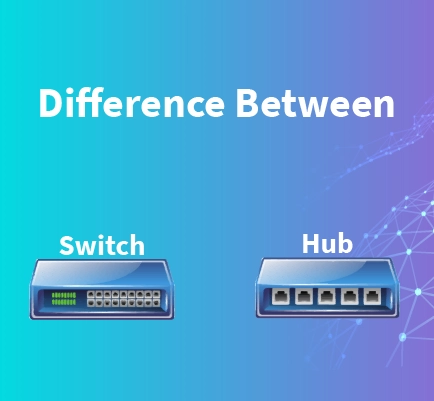
3. Hub vs Switch: How Local Networks Actually Work
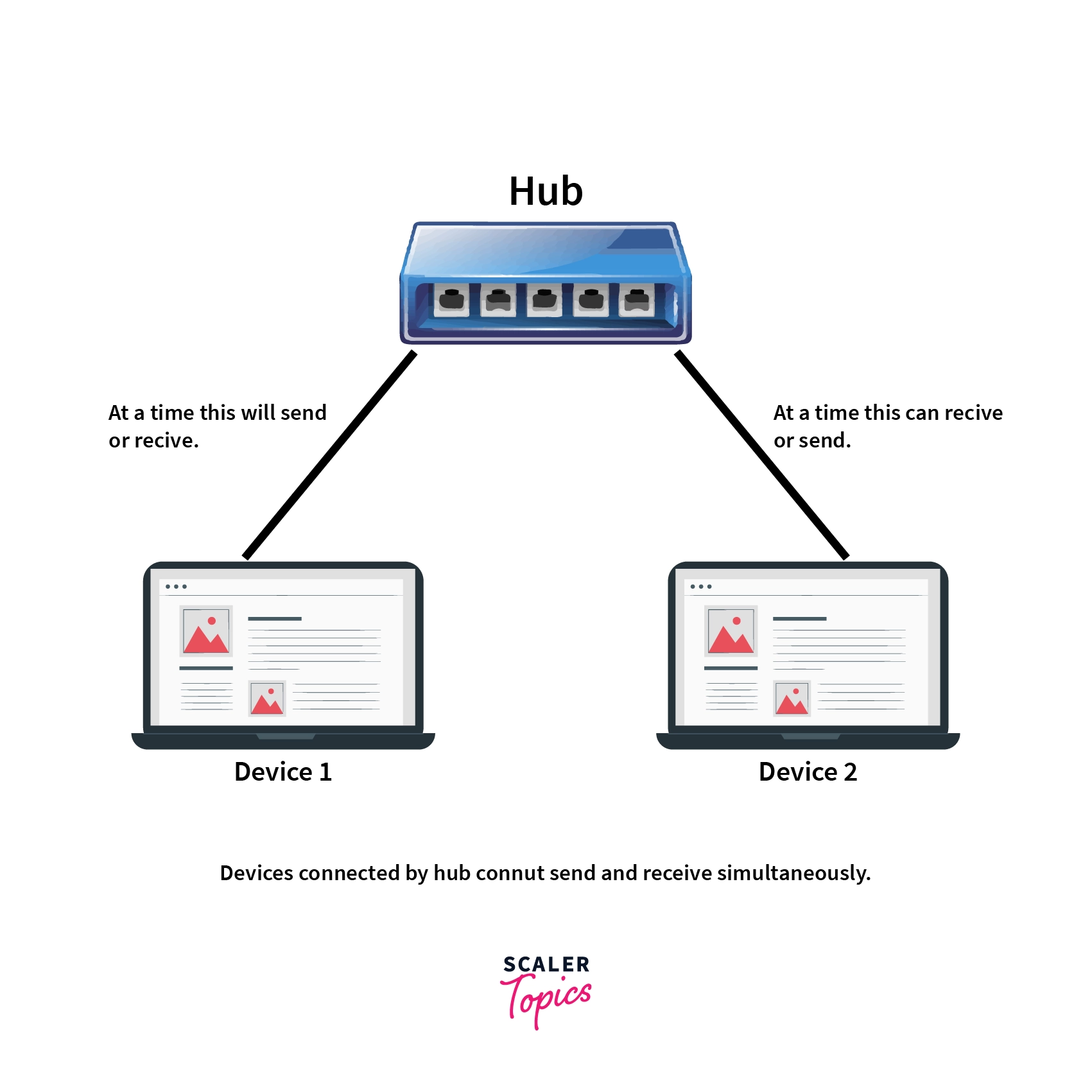
Hub (Old & Dumb)
Sends data to every device
No intelligence
Causes collisions
Switch (Modern & Smart)
Sends data only to the intended device
Uses MAC addresses
Faster and secure
Think of it like:
Hub: Shouting in a room 📢
Switch: Sending a private message 💬
👉 Hubs are obsolete. Switches power modern LANs.
4. What is a Firewall? (The Security Gate)
What it does
Filters incoming and outgoing traffic
Allows or blocks based on rules
Protects against unauthorized access
Think of it like:
🛂 A security gate checking ID before entry
Where it lives
Between the router and internal network
Also exists as cloud firewalls and software firewalls


Why it matters in production
Prevents open ports from being attacked
Enforces least-privilege access
Critical for compliance and security audits
5. What is a Load Balancer? (The Scalability Engine)
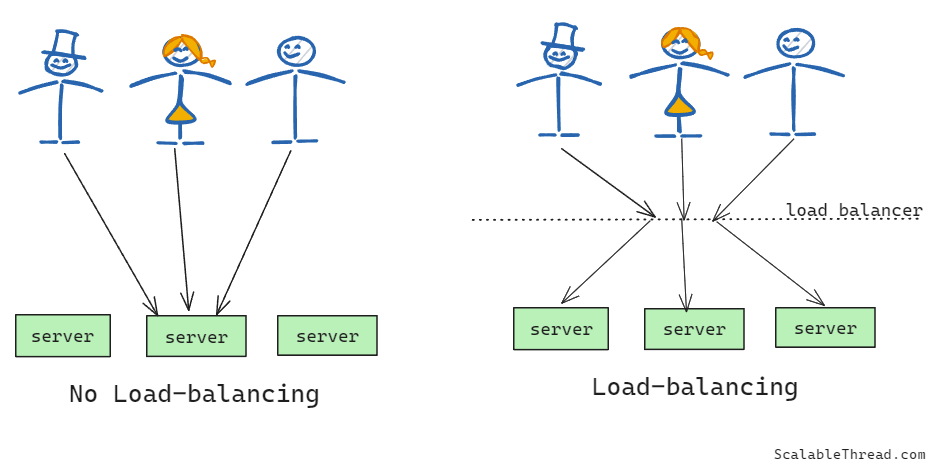
What it does
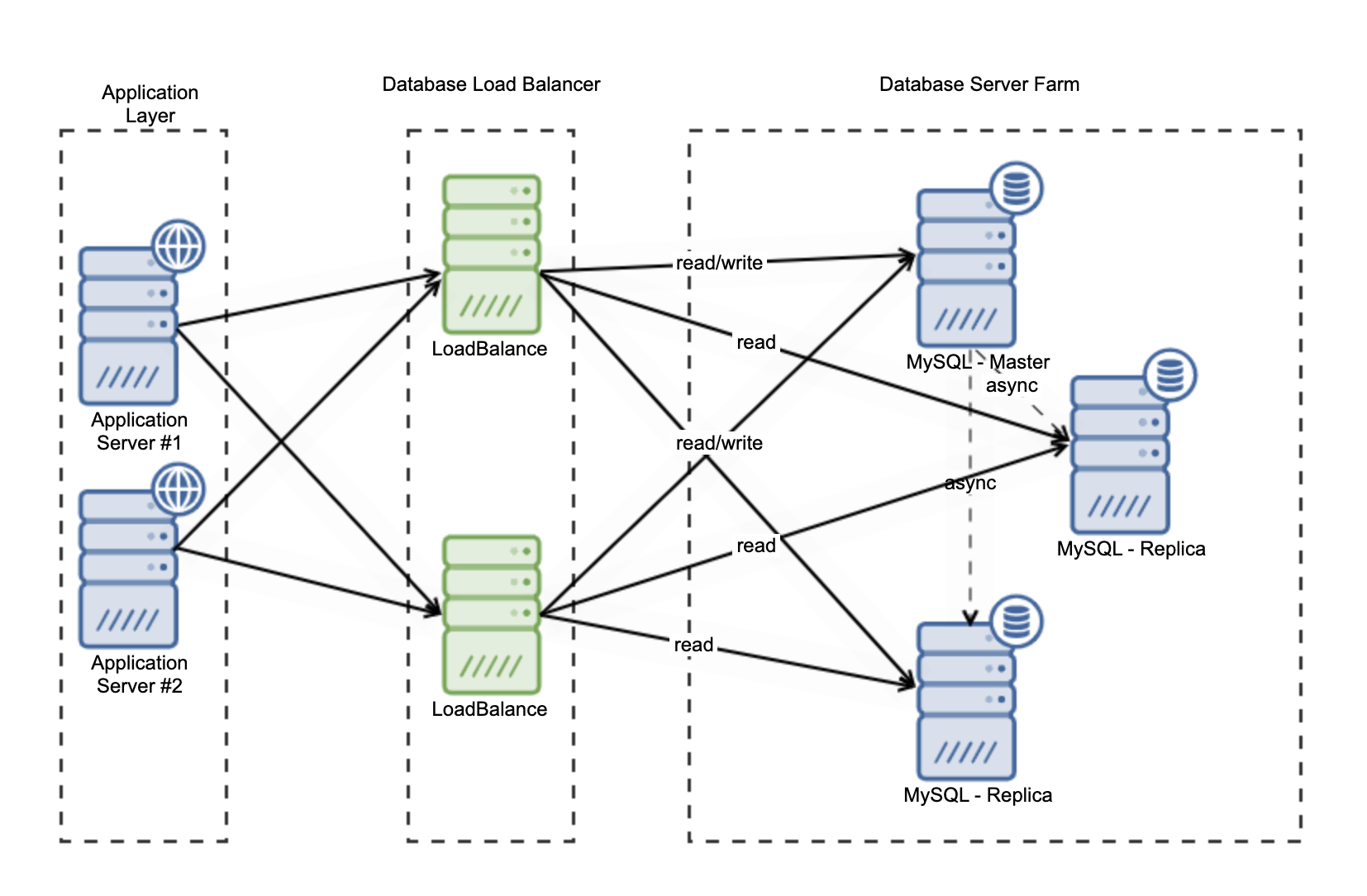
Distributes traffic across multiple servers
Improves availability and performance
Prevents server overload
Think of it like:
🛣️ A toll booth directing cars into multiple lanes
Types
Layer 4 (TCP/UDP)
Layer 7 (HTTP/HTTPS)
For backend engineers
Enables horizontal scaling
Powers microservices & high-traffic systems
Used in AWS ALB/NLB, NGINX, HAProxy
6. How All These Devices Work Together (Real-World Setup)
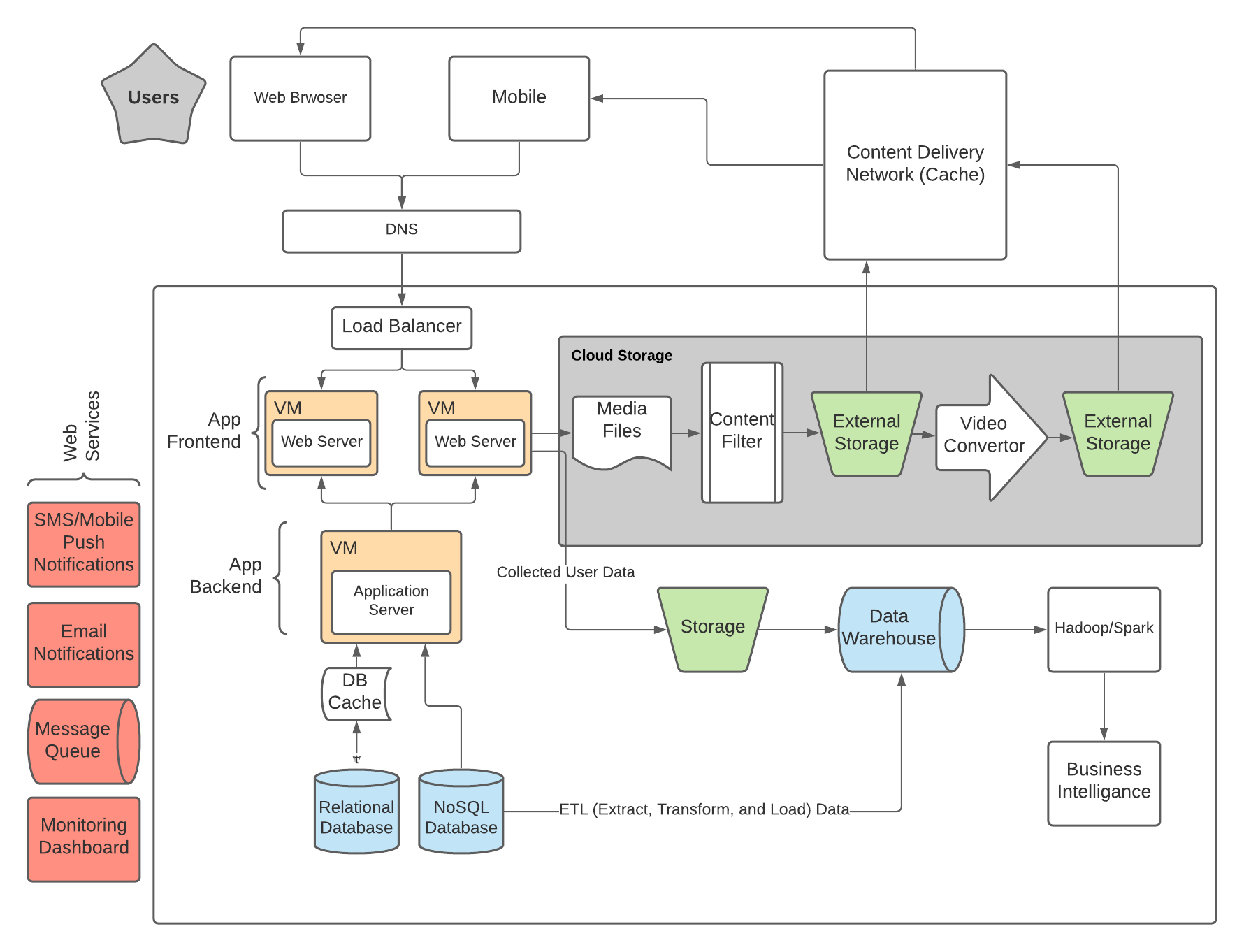
End-to-end flow
User request comes from the internet
Modem brings it into your network
Router directs it to the correct subnet
Firewall checks if it’s allowed
Load balancer distributes traffic
Switch delivers packets to the right server
Application responds back through the same path
Why This Matters for Software Engineers
Understanding networking helps you:
Debug “works locally but fails in prod”
Design scalable backend systems
Secure APIs and services
Communicate better with DevOps & infra teams
Code runs on servers—but servers live on networks.
Quick Mental Map (Cheat Sheet)
| Device | Responsibility |
| Modem | Connects ISP to network |
| Router | Routes traffic between networks |
| Switch | Moves data inside LAN |
| Hub | Broadcasts blindly (obsolete) |
| Firewall | Secures traffic |
| Load Balancer | Scales applications |